QR code check-in
Let donors scan a code to start the visit quickly.
Kiosk Workflow
SpeciCheck supports self-service donor check-in, QR code arrival, appointment lookup, and queue management so the site can keep moving.
Clipboards and manual front-desk intake create a slow start to the visit and leave staff repeating the same questions over and over. The bottleneck becomes worse when the lobby is busy or multiple employers are active at once.
The kiosk lets donors enter the workflow themselves while staff keep control over the queue and the visit context.
SpeciCheck gives the donor a clean check-in experience and gives the site a structured record of the visit. QR codes, appointment lookup, and queue visibility all reduce the friction at the start of the process.
The kiosk keeps the workflow moving and reduces the need for staff intervention on every arrival.
Let donors scan a code to start the visit quickly.
Help donors find their scheduled visit without manual searching.
Keep the front desk and collection team aware of who is waiting.
Make the kiosk feel like part of the site experience.
Free staff from repetitive intake tasks.
Carry check-in data into the rest of the screening workflow.
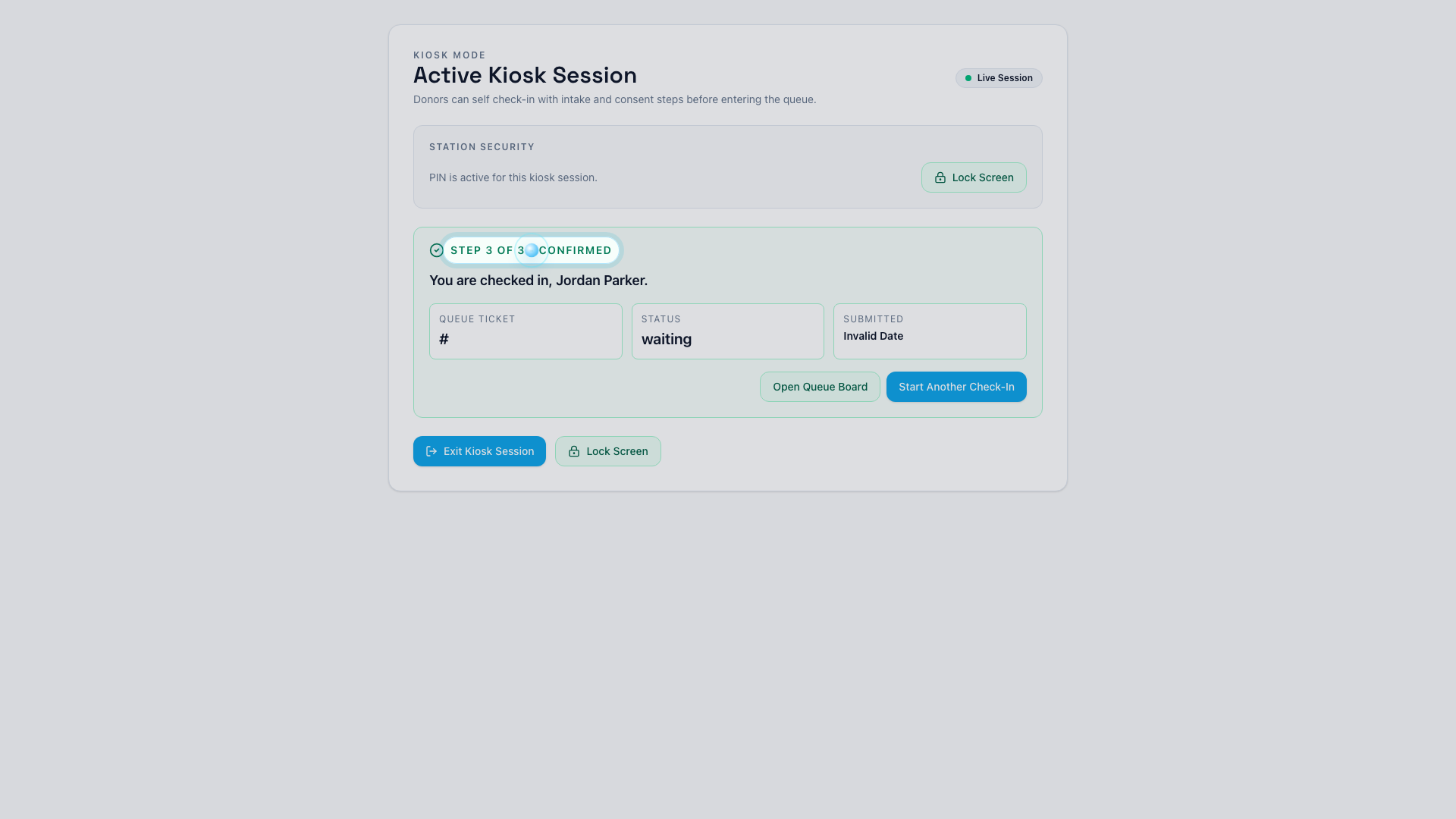
A self-service path for donor arrival and intake.
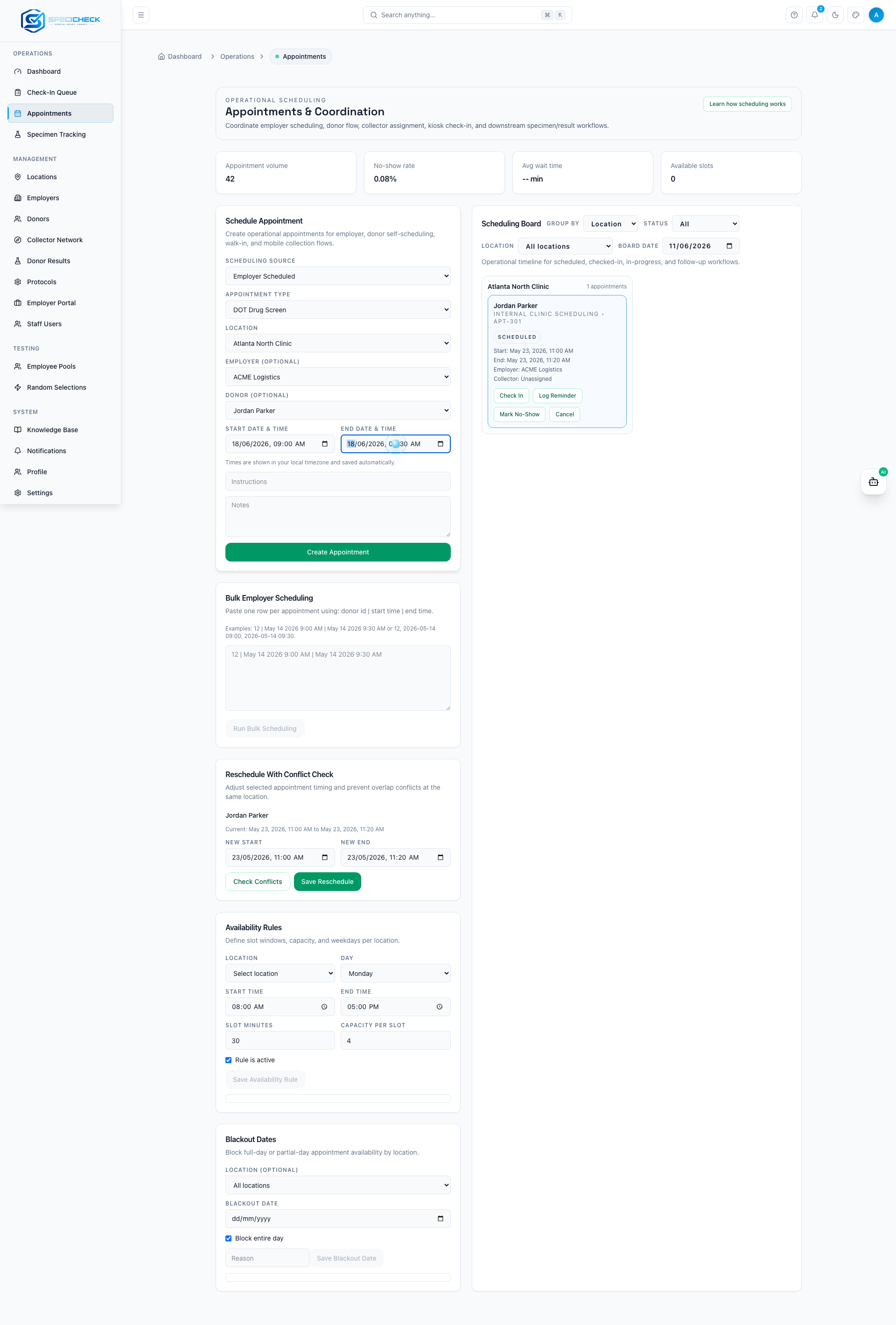
Show how fast a donor can move into the workflow.
Watch the kiosk experience move donors from arrival into the operational queue.
Yes. QR-driven intake is part of the kiosk workflow.
Yes. Walk-in intake can be handled through the same workflow.
Yes. Donors can look up their scheduled visit at arrival.
Yes. It is designed specifically to remove repetitive intake steps from staff.
Appointment Scheduling | SpeciCheck
Schedule appointments, manage capacity, coordinate locations, and reduce missed visits with one system.
Collection Site Management Software | SpeciCheck
Manage collection site staffing, queues, intake, specimen flow, and employer requests from one operational system.
Mobile Collection Software | SpeciCheck
Support mobile collectors, route requests, field check-in, and specimen tracking for off-site collections.
Drug Testing Management Software | SpeciCheck
Coordinate urine, oral fluid, and hair testing with scheduling, intake, chain of custody, lab sync, and employer portals.
Employer Portal | SpeciCheck
Give employers secure access to results, documents, invoices, and workforce screening program visibility in one portal.
Schedule a demo to see how the kiosk improves donor arrival and site flow.